Parts Implemented by Ahmet Yılmaz
Pages
Coaches Page
Coaches listed in this page.

Coaches Table
Under the Search header in page there is textboxes for each attribute to find in database according to values entered in checkboxes. Single attribute or more than one attribute can be used for searching.

Find Coaches Section
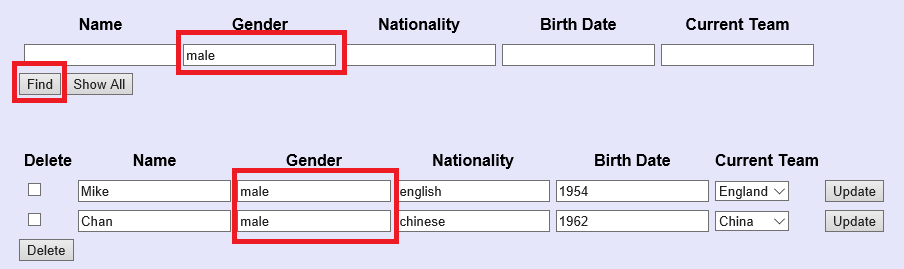
Sample find operation
on the left side of table there is checkboxes for every tuple to request from HTML. Then requested tuples can be deleted by clicking on delete button below.

Sample deletion
Update operation can be done by simply entering new value in textbox of which attribute preferred then clicking on the Update button on the right. Team attribute selected from dropdown menu.

Update Coaches operation

Updated version
Adding a new coach can be done by entering the information of the coach in text boxes and clicking the ‘add’ button. Team attribute selected from dropdown menu.

Adding new coach operation
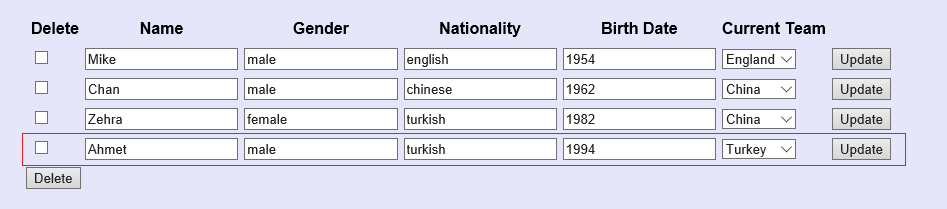
New coach added
Player Statistics Page
Player Statistics listed in the table section

Player Statistics Table
Under the Search header in page there is textboxes for each attribute to find in database according to values entered in checkboxes. Single attribute or more than one attribute can be used for searching.
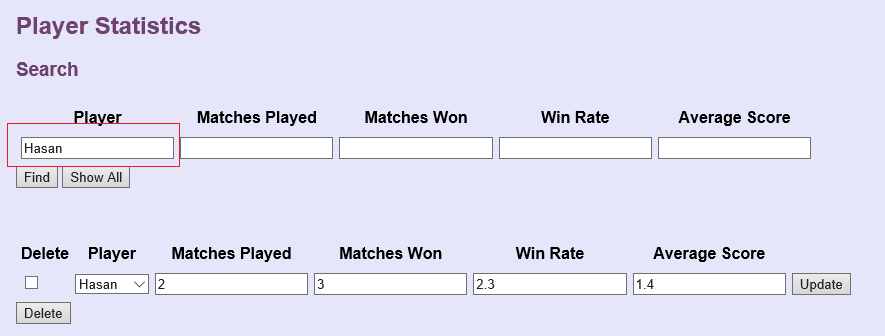
Find Player Section
On the left side of table there is checkboxes for every tuple to request from HTML. Then requested tuples can be deleted by clicking on delete button below.

Sample deletion

Deleted version
Update operation can be done by simply entering new value in textbox of which attribute preferred then clicking on the Update button on the right. Player selected from dropdown menu.

Update Player operation

Updated version
Adding a new player can be done by entering the information of the player in text boxes, selecting the player from dropdown menu and clicking the ‘add’ button.

Adding new player operation

New player added
Users Page
Users are listed.
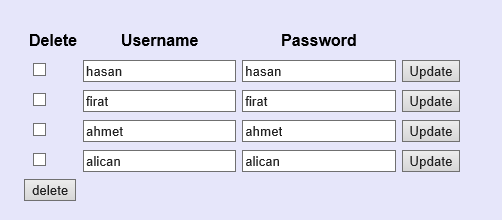
Users Table
Users can be found according to username and password.
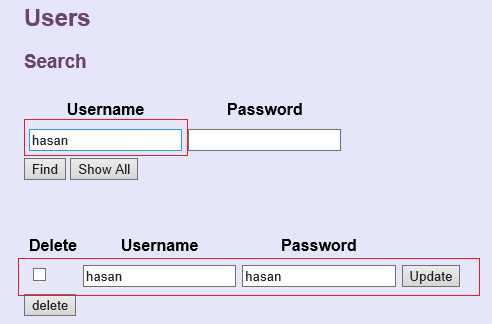
Find Users Section
Delete operation can be done by selecting user to be deleted and clicking the ‘delete’ button
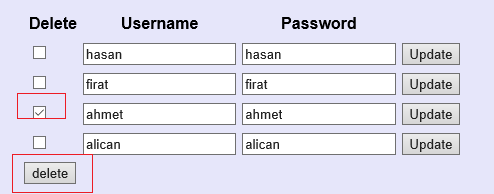
Sample deletion
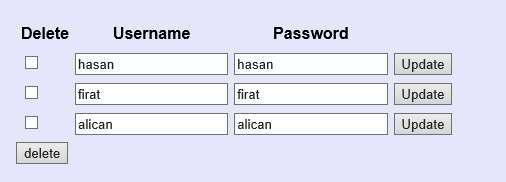
Deleted version
Update operation can be done by entering new values and clicking on update button.
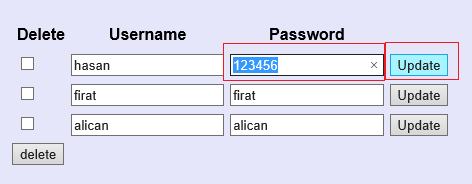
Update user operation
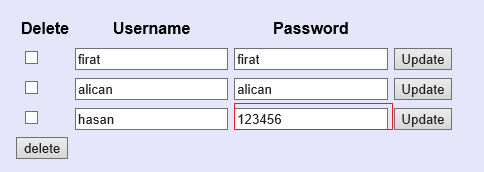
Updated version
Adding a new user can be done by entering the information of the user in text boxes then clicking the ‘add’ button.
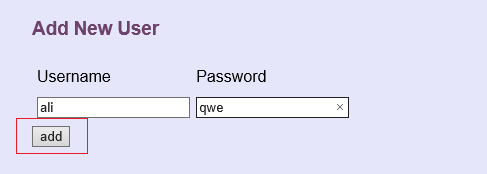
Adding new user operation
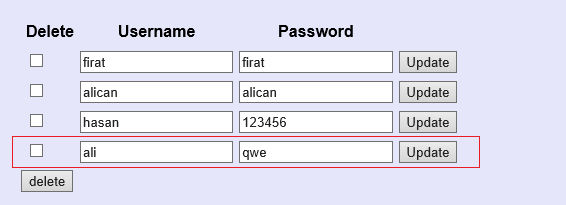
New user added