Parts Implemented by Hasan Burak NAMLI
Pages
Teams Page
In default teams page all teams are listed in the Teams Table Section
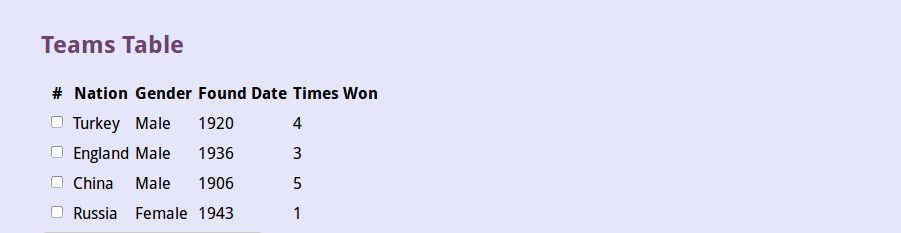
Teams Table
Above part of the page find operation can be applied by all attributes. Found teams are listed in the teams table section. All teams showed when find operation made with all text boxes empty.

Find Teams Section
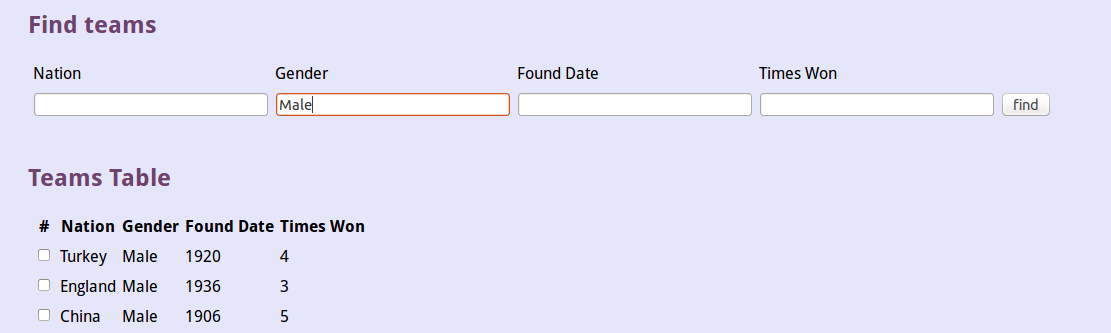
Sample find operation
Delete operation can be done by selecting teams to be deleted and clicking the ‘click to delete selected teams’ button
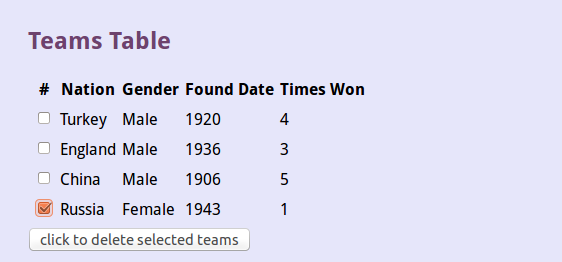
Sample deletion
Update operation can be done by selecting the team to update and entering the necessary attributes of that team and clicking the ‘update’ button.
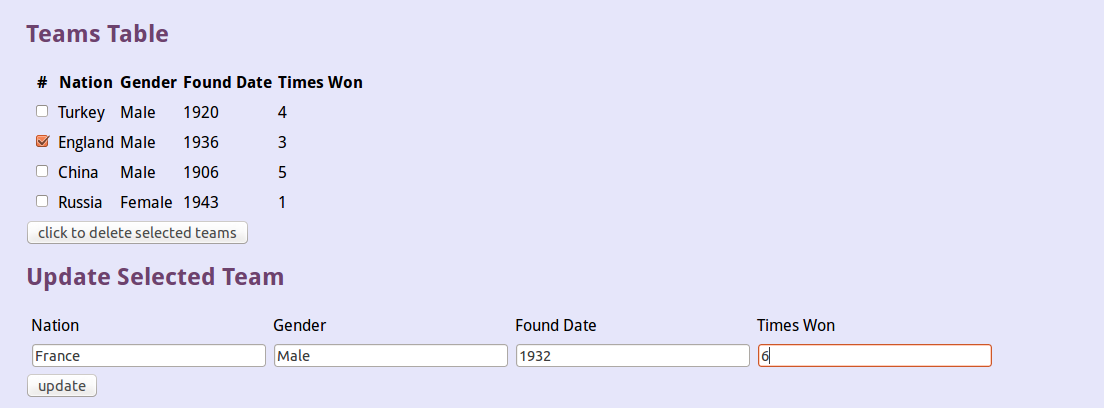
Update Teams operation
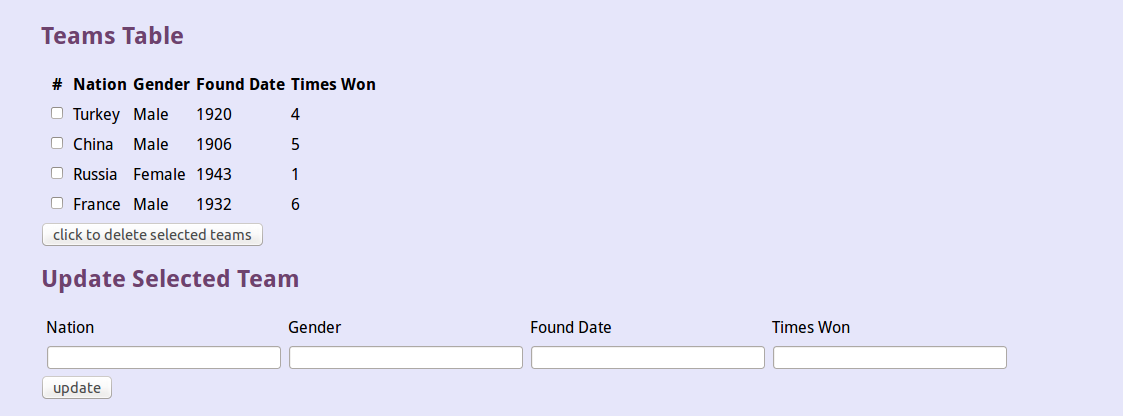
Updated version
Adding a new team can be done by entering the information of the team in text boxes and clicking the ‘add’ button.

Adding new team operation
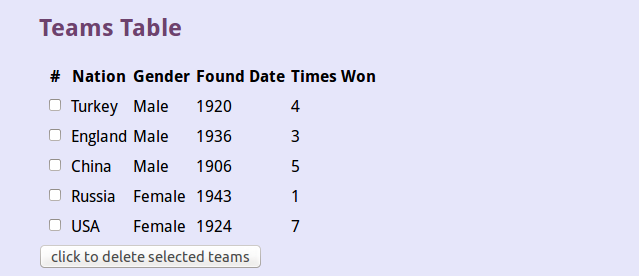
New team added
Players Page
Like in teams page all players are listed in the Players Table Section
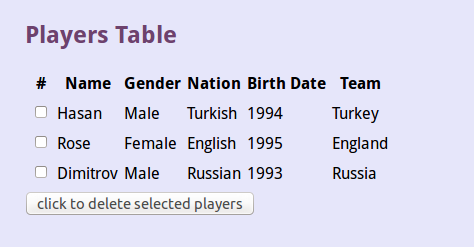
Players Table
Above part of the page find operation can be applied by all attributes. Found players are listed in the players table section. All players showed when find operation made with all text boxes empty.
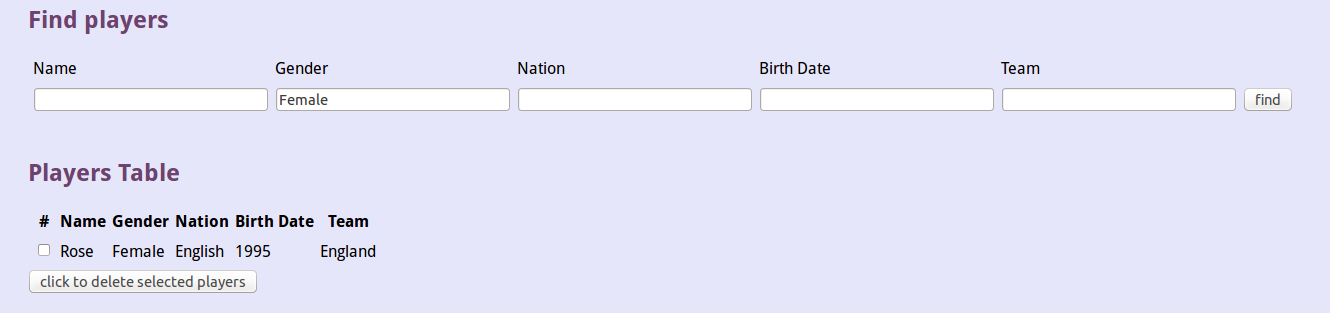
Find Players Section
Delete operation can be done by selecting players to be deleted and clicking the ‘click to delete selected players’ button
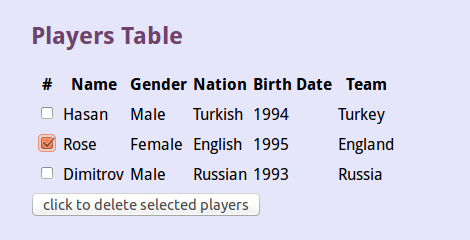
Sample deletion
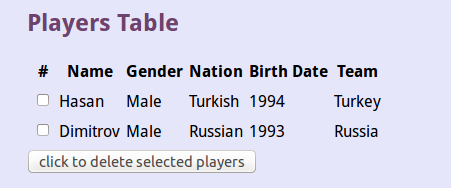
Deleted version
Update operation can be done by selecting the player to update and entering the necessary attributes of that player and clicking the ‘update’ button. Team attribute is selected from dropdown menu.
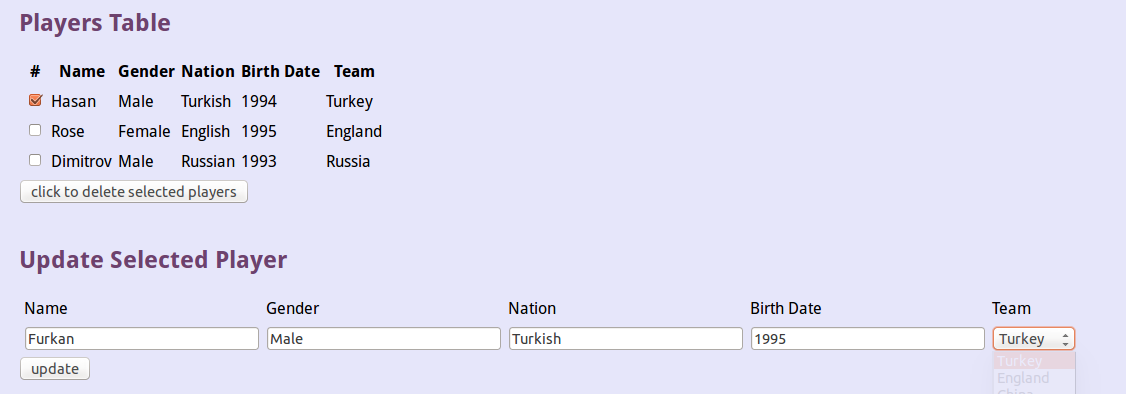
Update Player operation
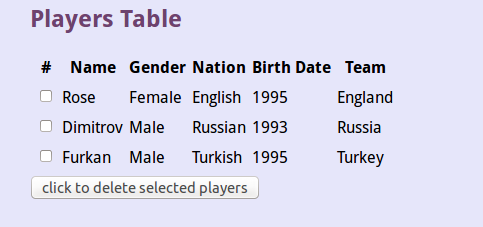
Updated version
Adding a new player can be done by entering the information of the player in text boxes, selecting the team from dropdown menu and clicking the ‘add’ button.

Adding new player operation
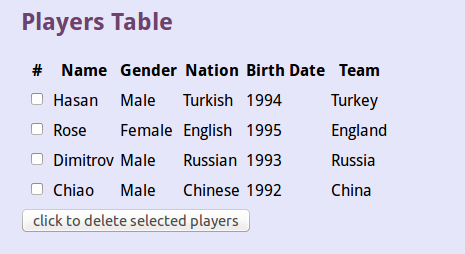
New player added
Technic Members Page
Like in teams and players page all technic members are listed.
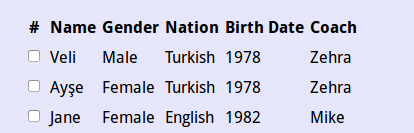
Technic Members Table
Above part of the page find operation can be applied by all attributes. Found technic members are listed. All technic members showed when find operation made with all text boxes empty.
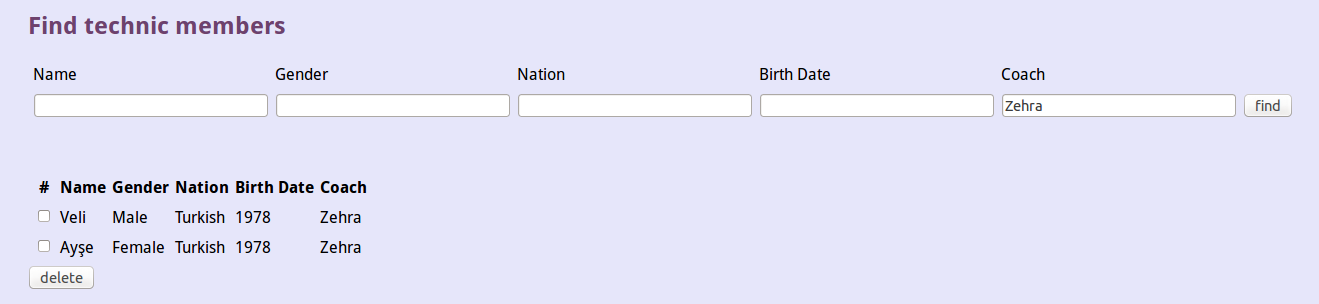
Find Technic Members Section
Delete operation can be done by selecting technic members to be deleted and clicking the ‘delete’ button
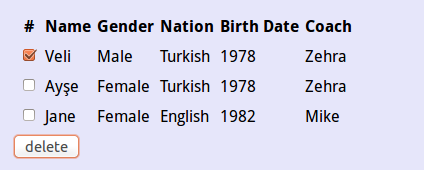
Sample deletion
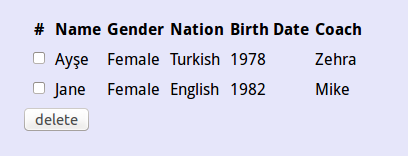
Deleted version
Update operation can be done by selecting the technic member to update and entering the necessary attributes of that technic member and clicking the ‘update’ button. Coach attribute is selected from dropdown menu.
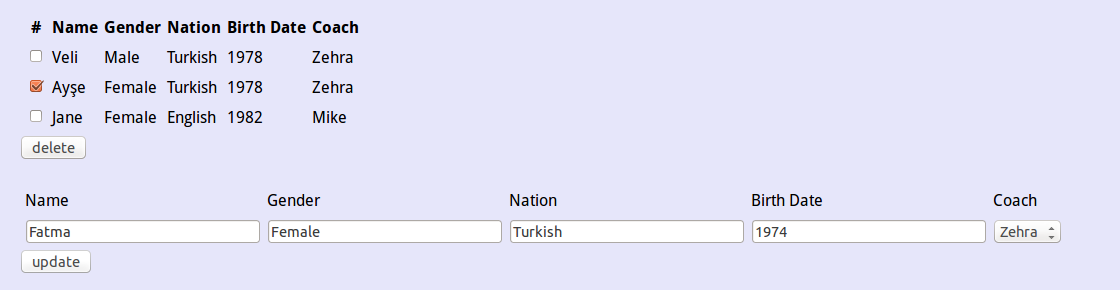
Update Technic Member operation
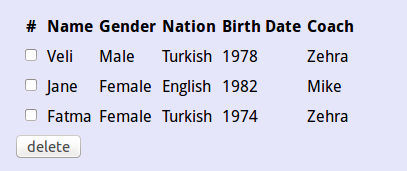
Updated version
Adding a new technic member can be done by entering the information of the technic member in text boxes, selecting the coach from dropdown menu and clicking the ‘add’ button.

Adding new technic member operation
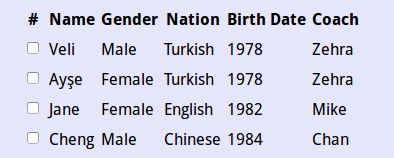
New technic member added